ODOO19企业版中对AI进行了增加,不得不说,官方手笔还是不错的,将AI融入到ODOO的各方面,个人或是小公司实际上要去弄还比较费劲(顺便鄙视下,有公司把企业版的这功能抽出来给客户用)。由于模块使用到了postgres的vector字段,所以需要安装这个插件。下面详细介绍过程,本文仅介绍win平台,其它平台后续再发出。
插件地址 https://github.com/pgvector/pgvector
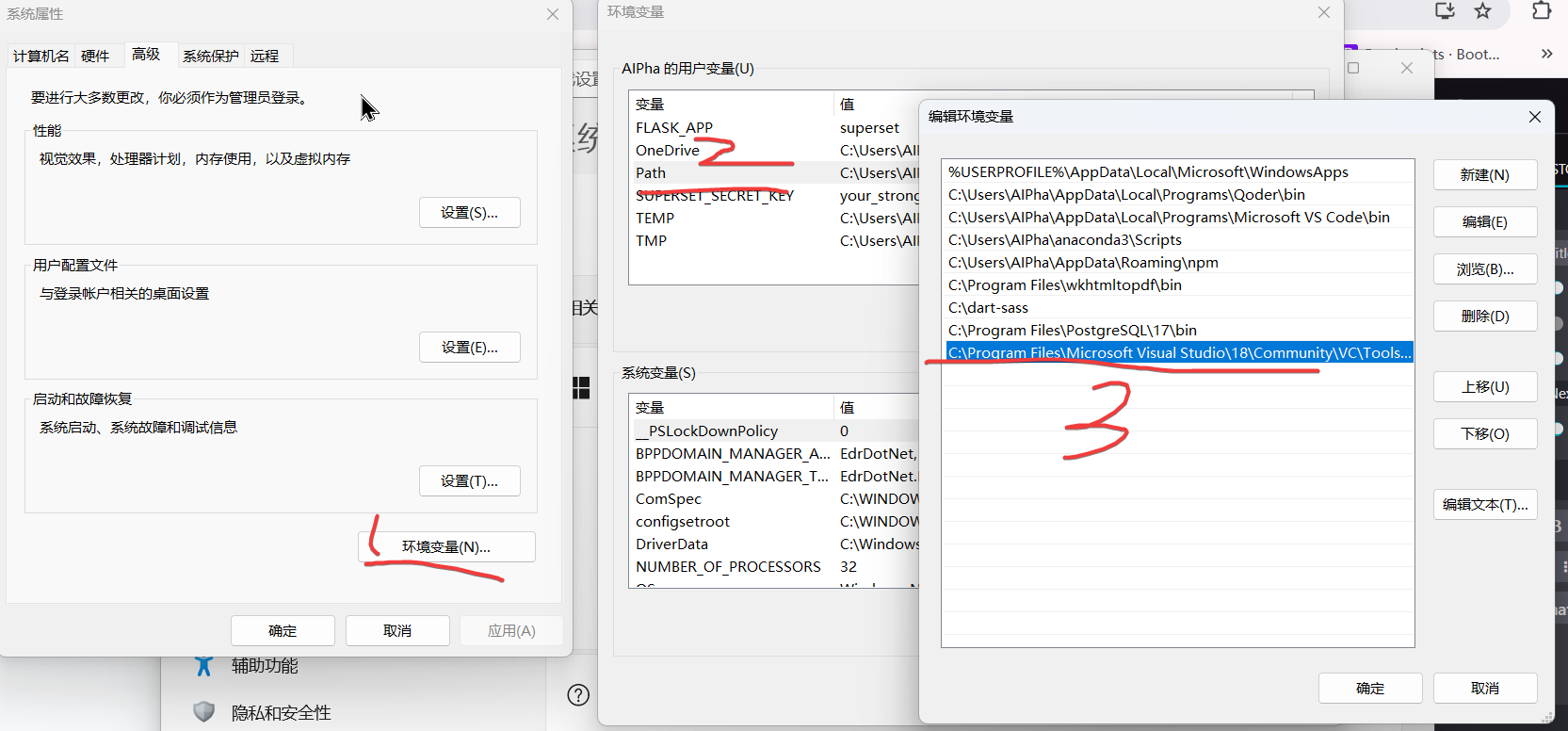
1、安装编译工具,建议是直接安装visual studio comunity, 可以在这里下载 https://visualstudio.microsoft.com/zh-hans/downloads/,安装完成以后,需要将nmake的路径添加到系统环境变量的path中
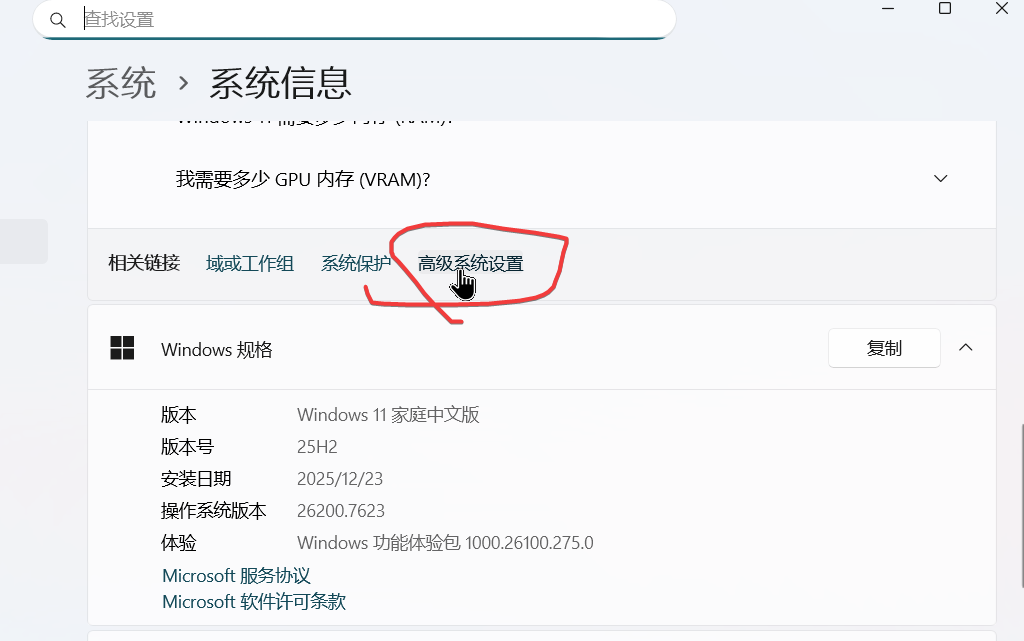
添加path
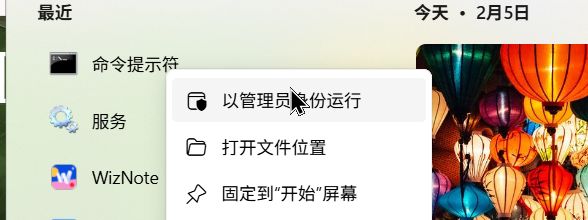
2、打开cmd,注意,添加管理员权限。
call "C:\Program Files\Microsoft Visual Studio\2022\Community\VC\Auxiliary\Build\vcvars64.bat"
set "PGROOT=C:\Program Files\PostgreSQL\17"
git clone --branch v0.8.1 https://github.com/pgvector/pgvector.git
cd pgvector
nmake /F Makefile.win
nmake /F Makefile.win install
注意
C:\Program Files\Microsoft Visual Studio\2022\Community\VC\Auxiliary\Build\vcvars64.bat
改为自己的相应的位置,以及
PGROOT=C:\Program Files\PostgreSQL\17
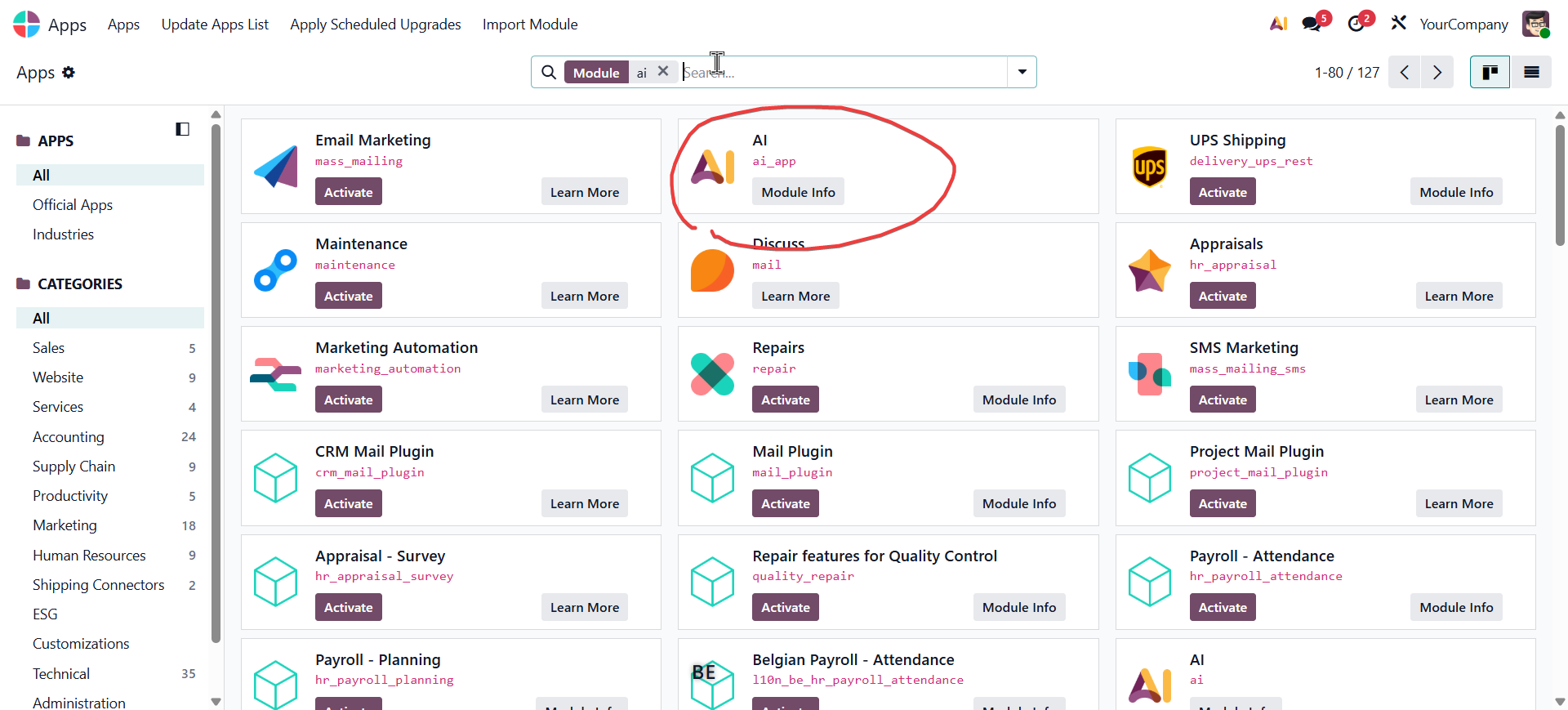
运行完成以后nmake会把相关的文件安装到postgres相关目录中,这里便可以在odoo安装ai插件
加微信masterjmz进odoo交流分享群